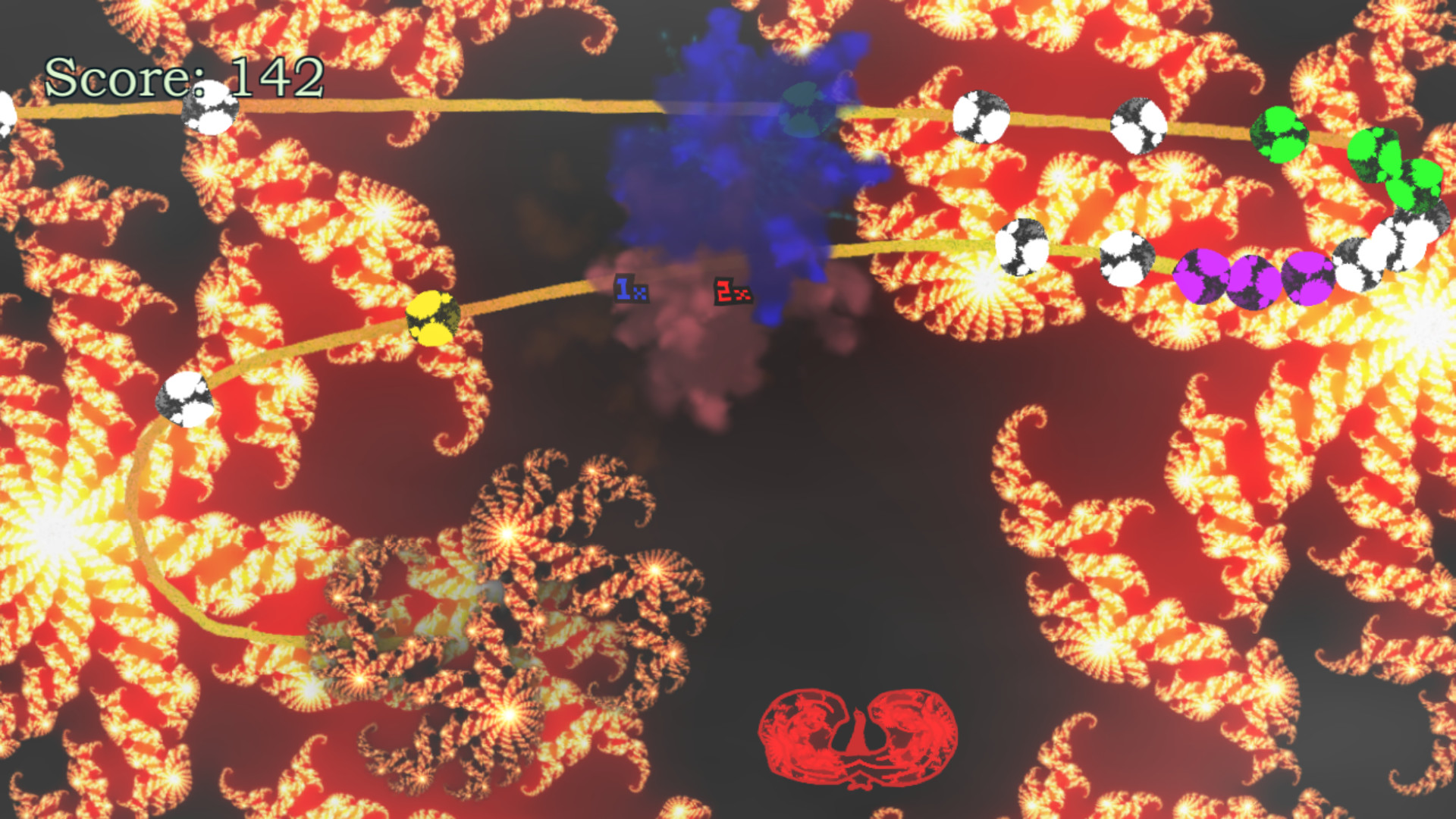
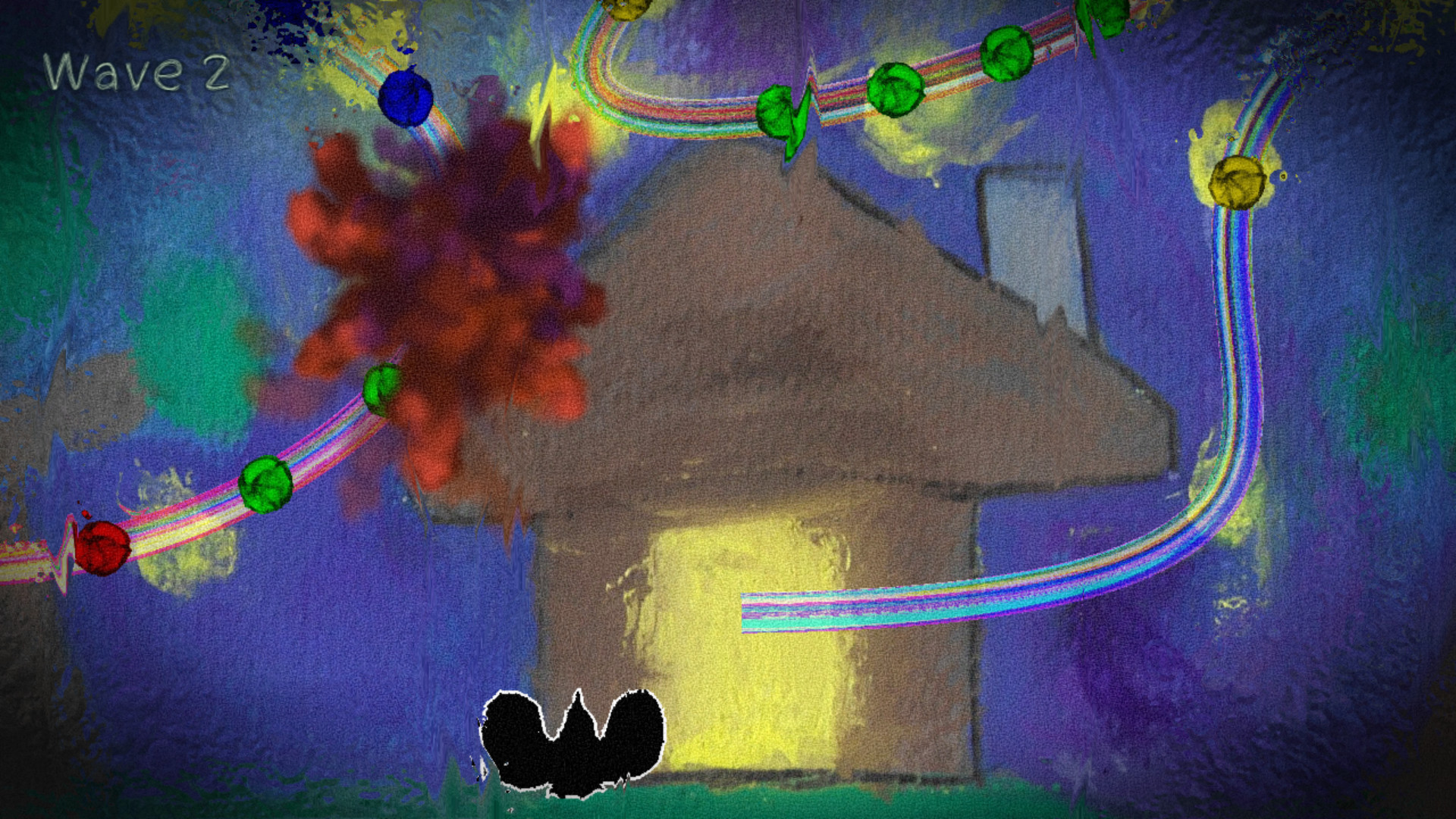
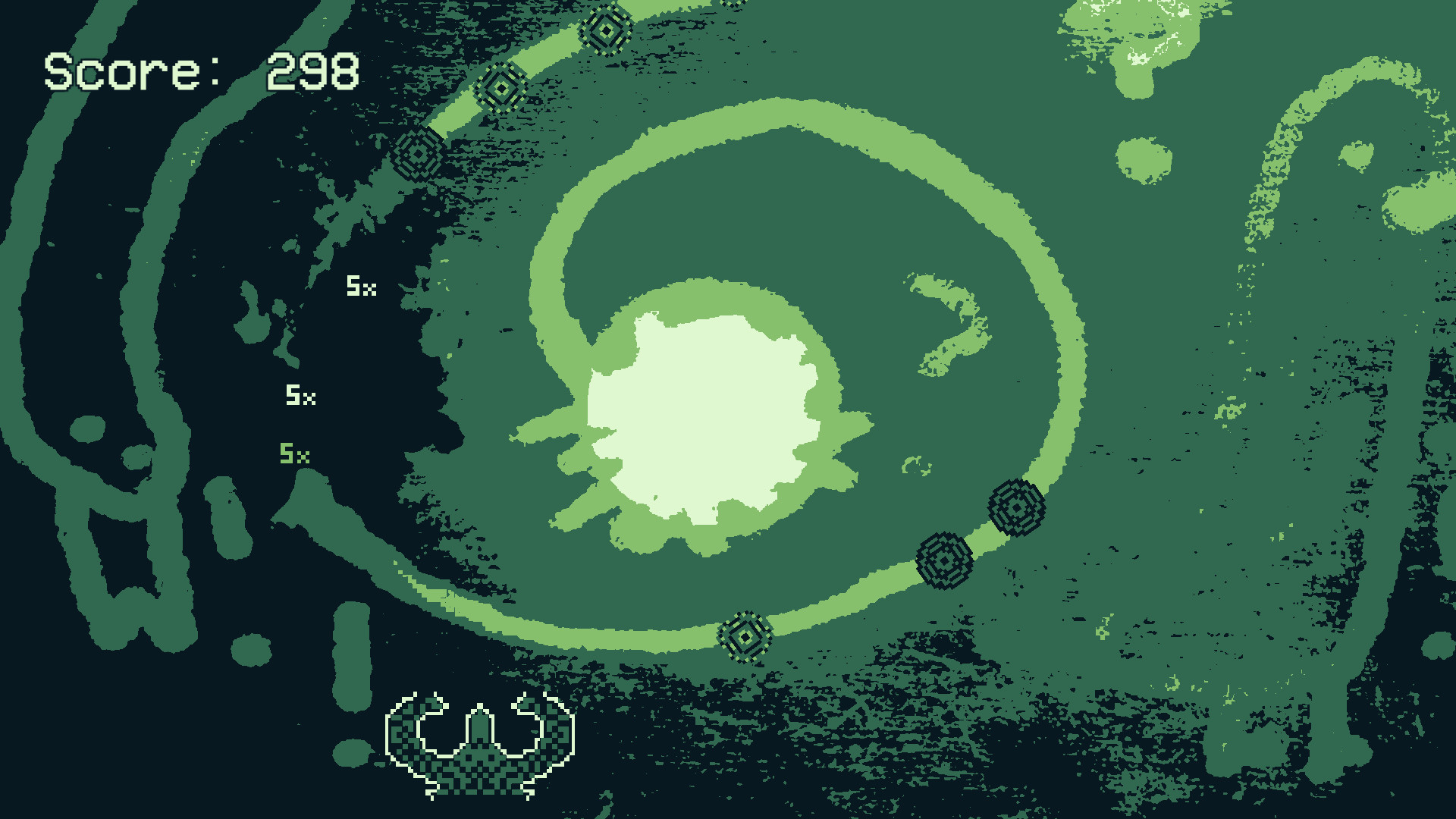
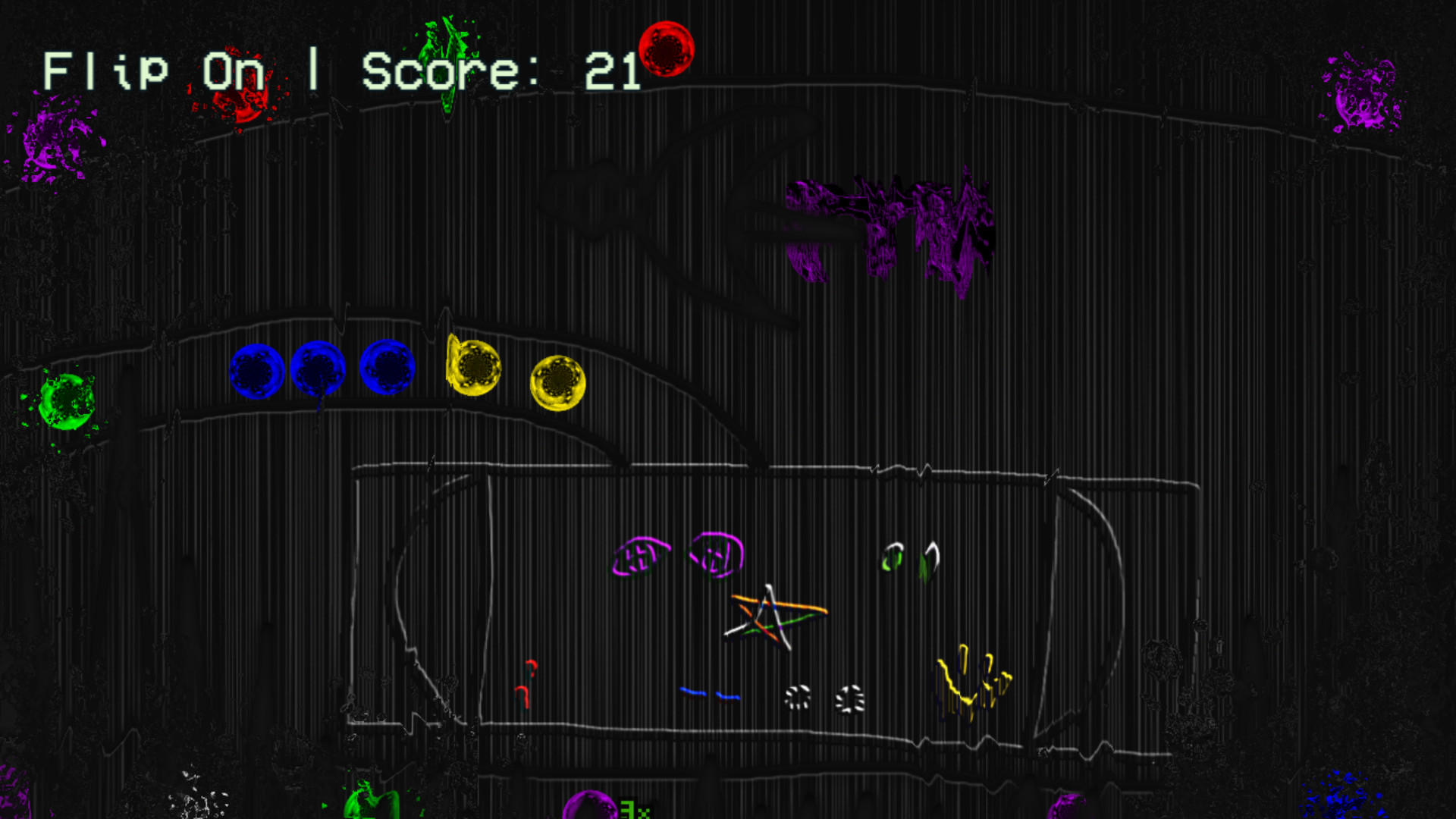
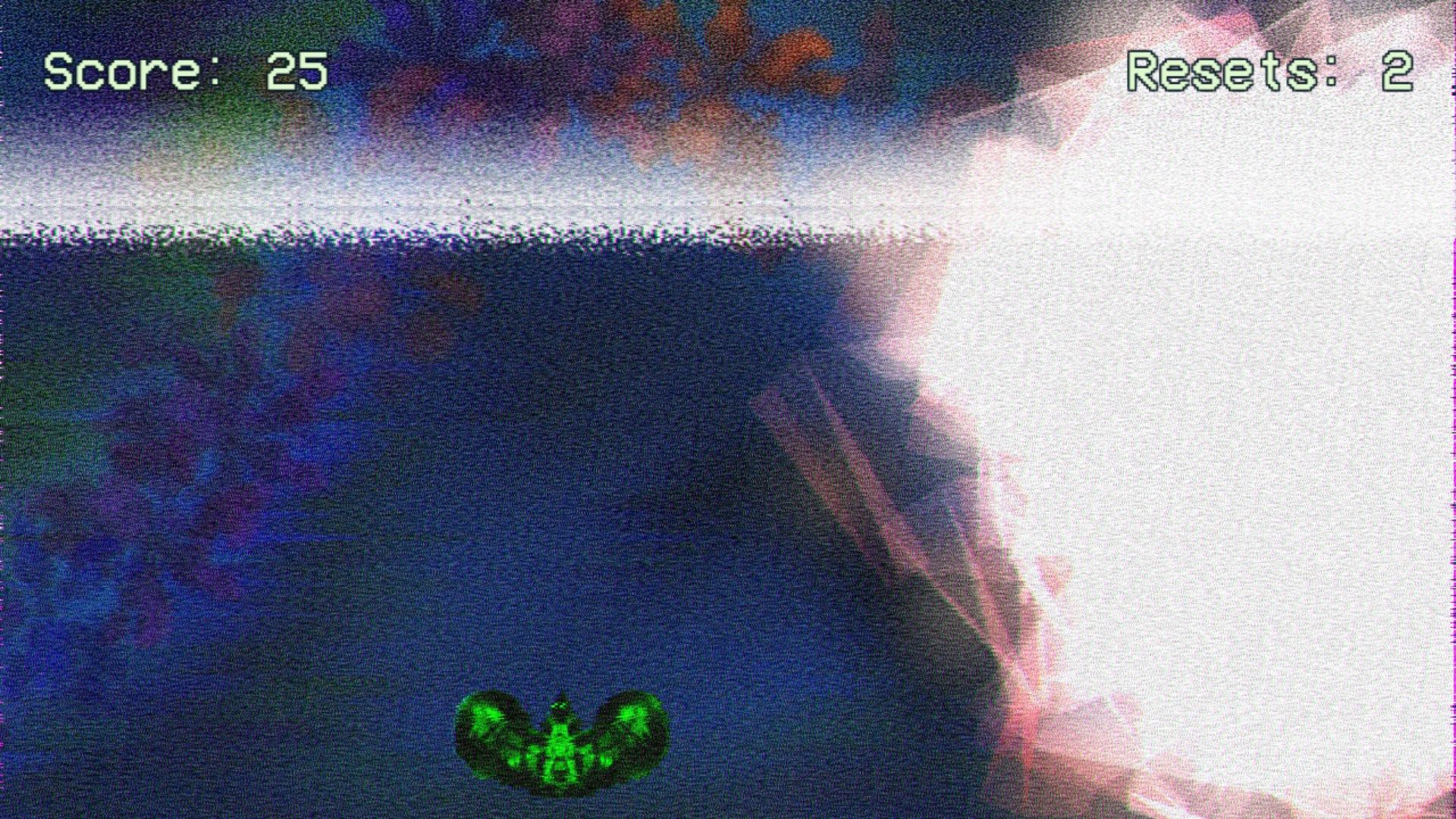
The demo of Garenburg Penitence, an action-puzzle arcade game about matching sphere colors. Play four levels with unique themes, music, and effects, and then create and design your own custom levels or play levels made by other players!
Garenburg Penitence is an action-puzzle arcade game about matching sphere colors and exploring the collapsing psyche that destroyed the world.
Please note that the demo version of the game has less features than the full version. For information on the full version, please see the main store page for this game.
Fast, dynamic arcade gameplay. Fire spheres and match colors before they reach the end, and speed up or slow down to retain accuracy!
Four unique levels, each with a different theme, music, and visual effects
Custom Level Editor: Full support for player-made levels, with custom backgrounds, music, and more!
Classic Mode: Fire spheres and match colors before they reach the end
GREEN Mode: Significantly less colors, but harder to distinguish the differences between them
Wave Mode: Gain powerups to clear spheres more easily, but each wave increases the difficulty
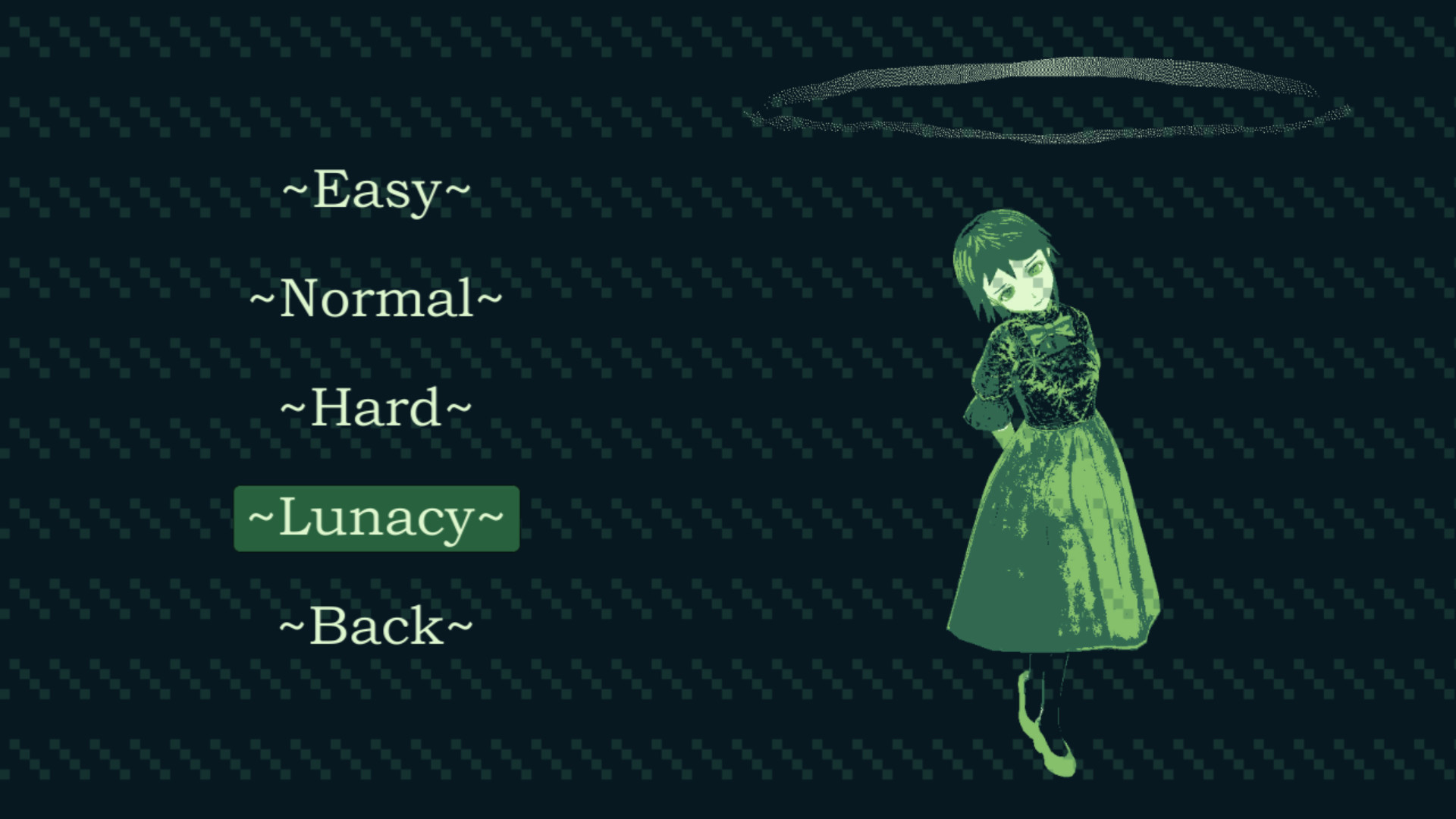
Four different difficulties, from a safe and relaxed time with Easy and Normal, to a challenge with Hard and a nightmare with Lunacy
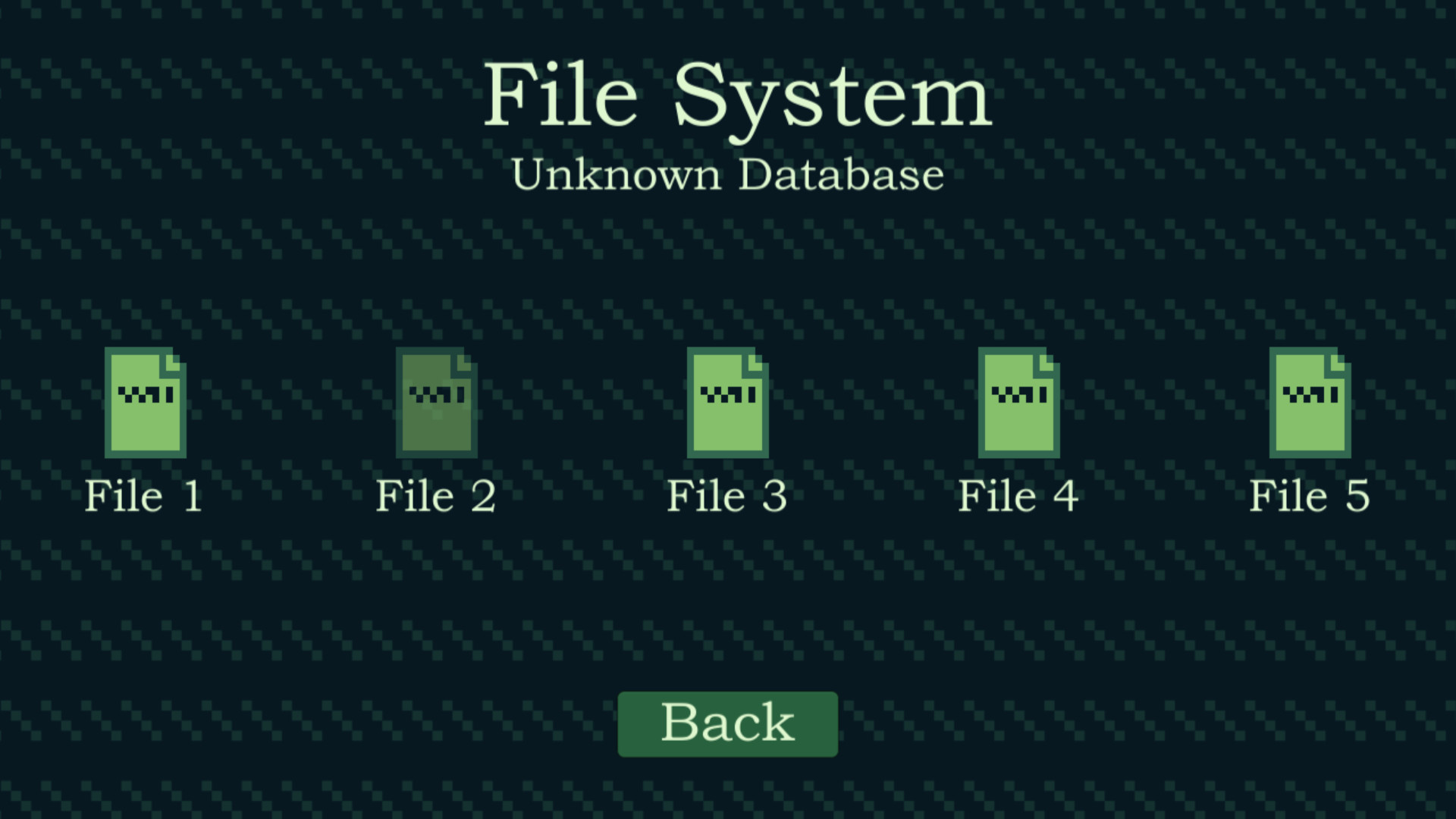
File System: A brief look at words from a girl to somebody close to her heart. Her full tale will be able to be explored in the full version. If her story is not your interest, it is not necessary to read to experience the gameplay
An original soundtrack with a multiple unique themes for each world and the music distorting as spheres get too close to the end
Numerous configurable settings to toggle effects and visuals in case distracting or for better performance
This game relies on color matching and has fast movement and imagery. While fast movement graphics can be toggled off if they are an issue, distinguishing colors apart from each other is a key component of gameplay. It is not recommended for those with color blindness.
Additional Notes: This game can run on most Windows devices. If you are having issues on lower spec hardware, you can toggle off visual effects and enable "Juniper Explosions" to increase performance.