Nyanco Desktop Mascot : Nitori-UNK
★
★
★
★
★
★
★
★
★
★
0 Review
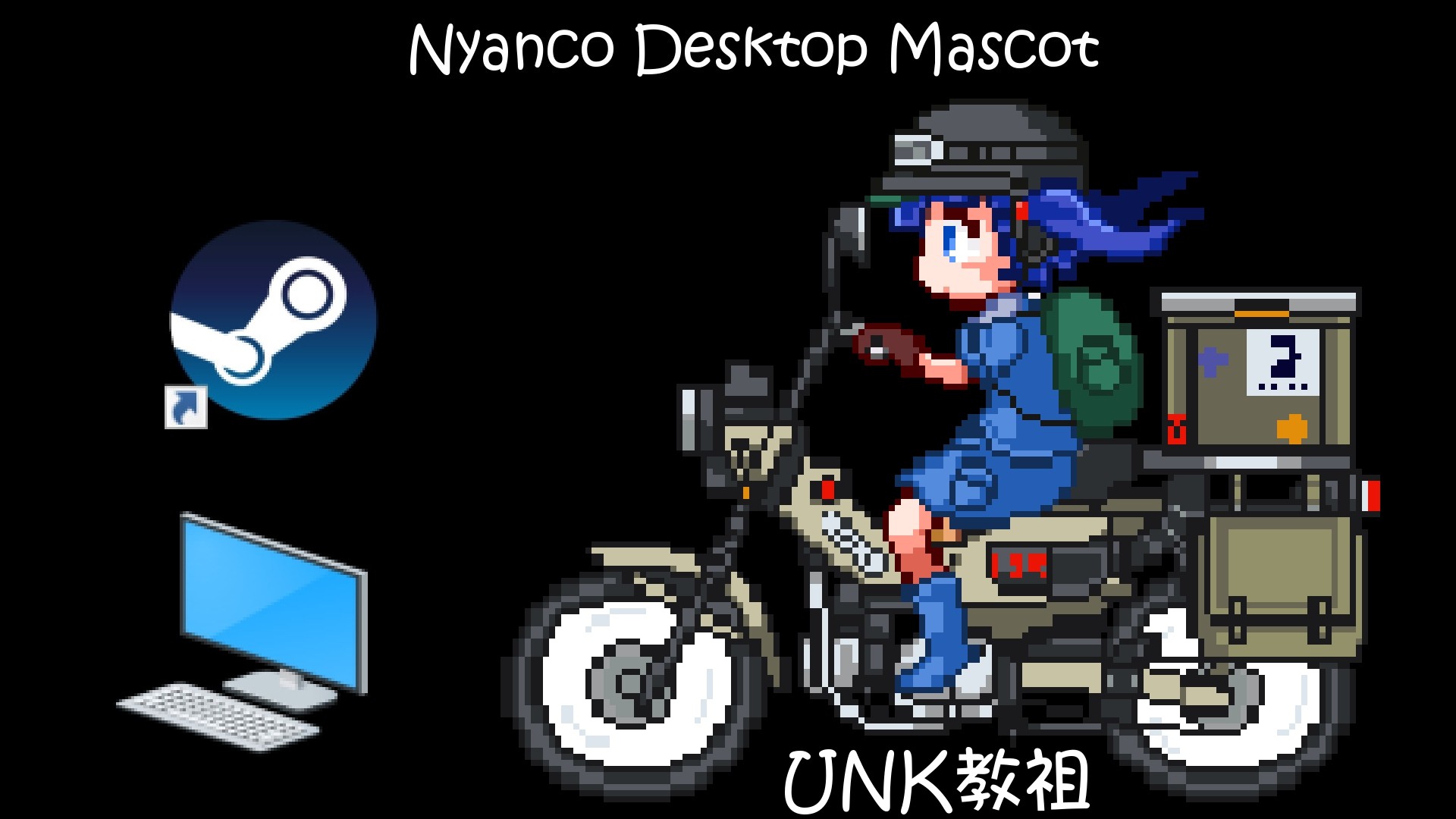
This DLC adds "Nitori (UNK教祖)" to Nyanco Desktop Mascot.
View on Steam
ABOUT THIS GAME
This DLC adds "Nitori (UNK教祖)" to Nyanco Desktop Mascot.
How to set or change the DLC mascot you want :
Find images in the DLC folder for the mascot character
Copy and paste them into the images folder
Close the app and restart it
How to find the DLC folders of this app :
Steam Client -> Right-click the app -> Properties -> Local Files -> Browse
How to close the app :
Click the mascot and press the “ALT + F4” keys at the same time
You can also close the app by pressing the "STOP" button located on your Steam client.
Disclaimer :
The mascot character, "Nitori (UNK教祖)" included in this DLC isn't related in any way to the original Touhou Project.
Read more
Gallery
SYSTEM REQUIREMENTS
Windows
Minimum:
OS *:
Windows® 7/8/8.1/10
Processor:
Intel Core i5-4430 / AMD FX-6300
Memory:
4 GB RAM
Graphics:
NVIDIA GeForce GTX 960 2GB / AMD Radeon R7 370 2GB
Storage:
10 MB available space
Recommended:
OS *:
Windows® 7/8/8.1/10
Processor:
Intel Core i5-6600K / AMD Ryzen 5 1600
Memory:
8 GB RAM
Graphics:
NVIDIA GeForce GTX 1060 3GB / AMD Radeon RX 580 4GB
Storage:
10 MB available space
Nyanco Desktop Mascot : Nitori-UNK
Genre
Animation & Modeling
,
Design & Illustration
,
Utilities
Developer
Nyanco Channel
Publisher
Nyanco Channel
Release Date
02 Feb, 2021
Platforms
Downloadable Content
Popular Tag
Design & Illustration
Utilities
Animation & Modeling
Show more