Cable Guardian Pro

Cable Guardian Pro

4 Reviews

Inject more features into Cable Guardian! Get everything from tiny quality of life improvements to major features such as visual indicators, floor markers and position alerts. Note that SteamVR is required for the visual and positional features.

ABOUT THIS GAME

Please note that the visual features (overlays such as position markers) require SteamVR. I was unable to add them for Native Oculus because the Oculus API unfortunately does not make external overlays readily available for developers. :(

Cable Guardian Pro expands the standard version with the following features:

Overlays (OpenVR only ***)

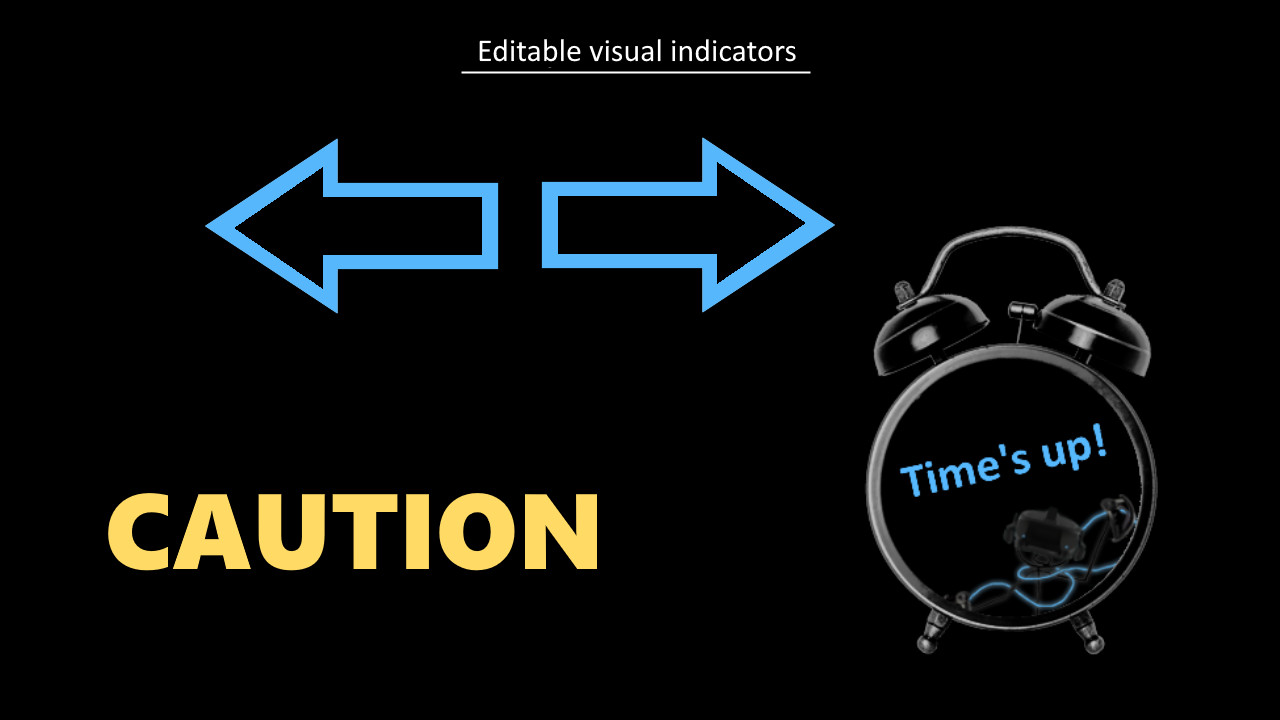
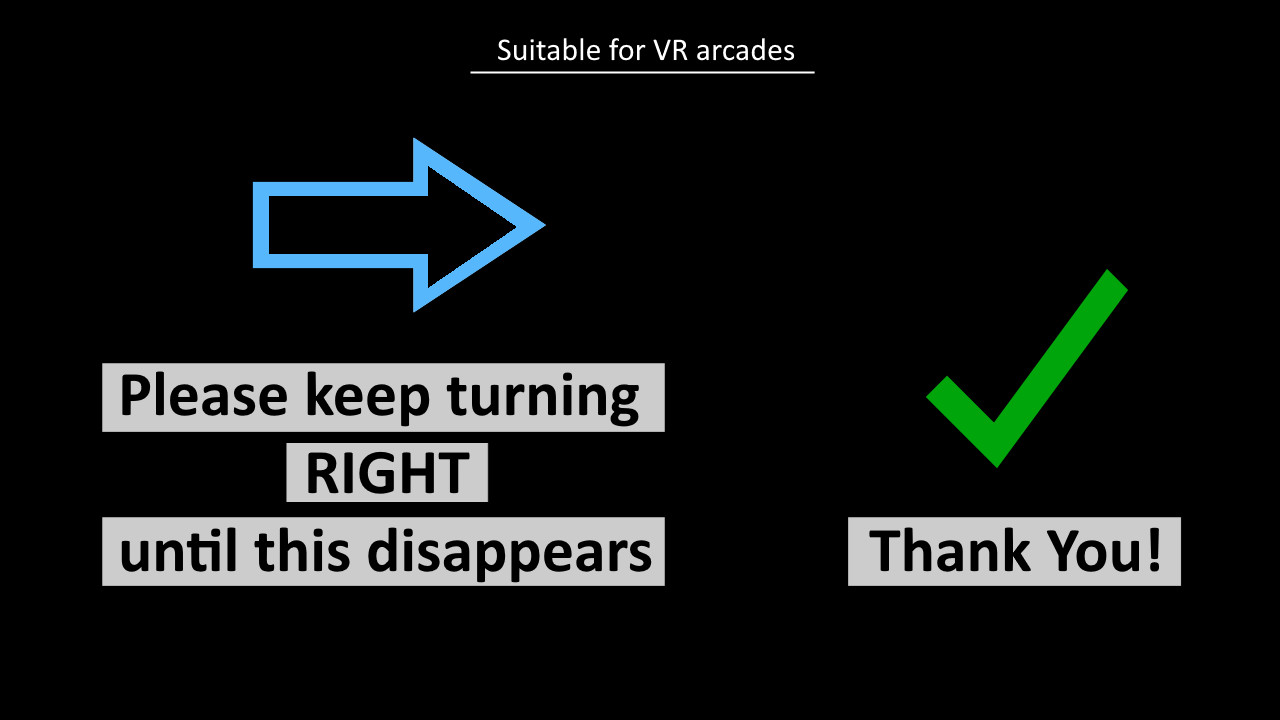
  • Editable visual indicators
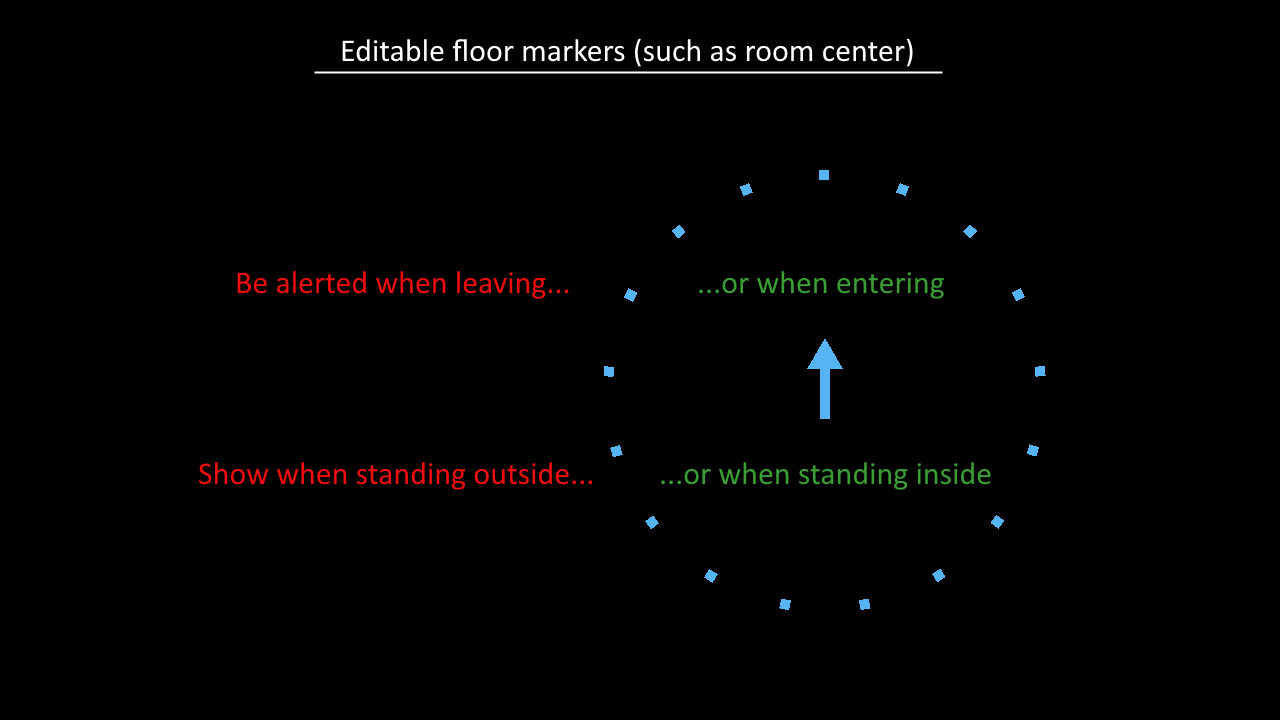
  • Editable floor markers with position and orientation alerts (for example room center)
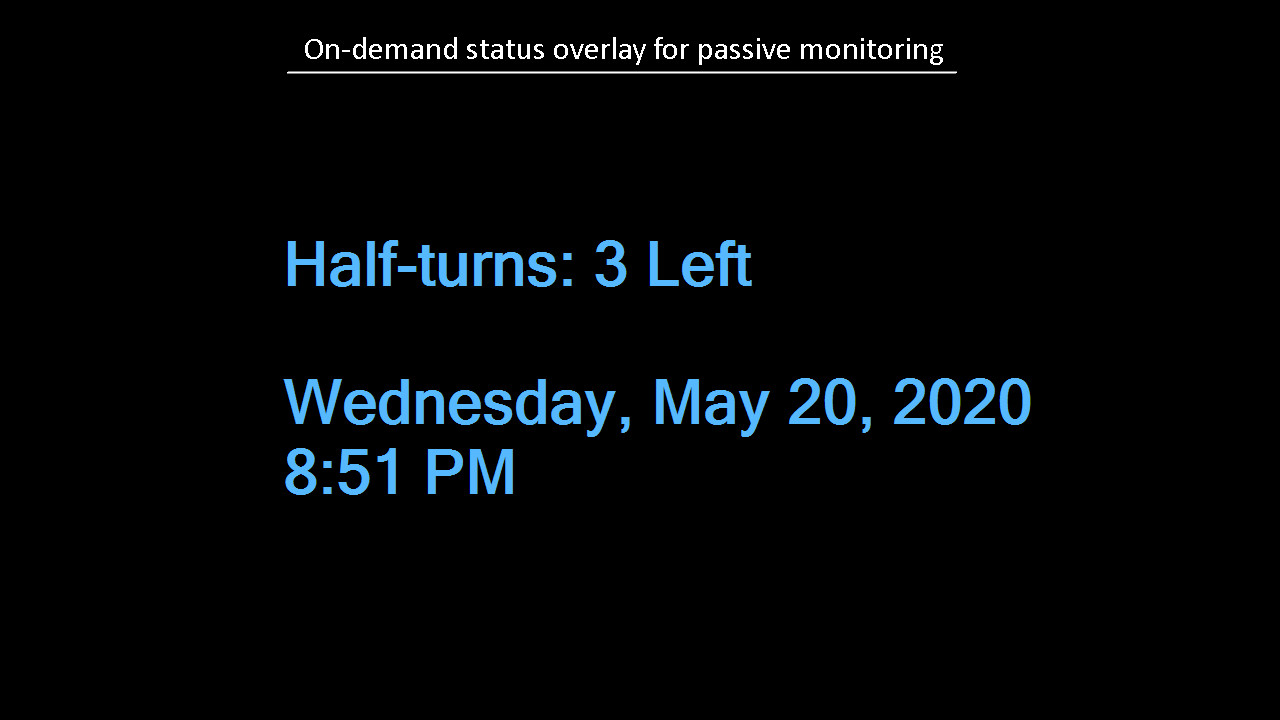
  • On-demand status display
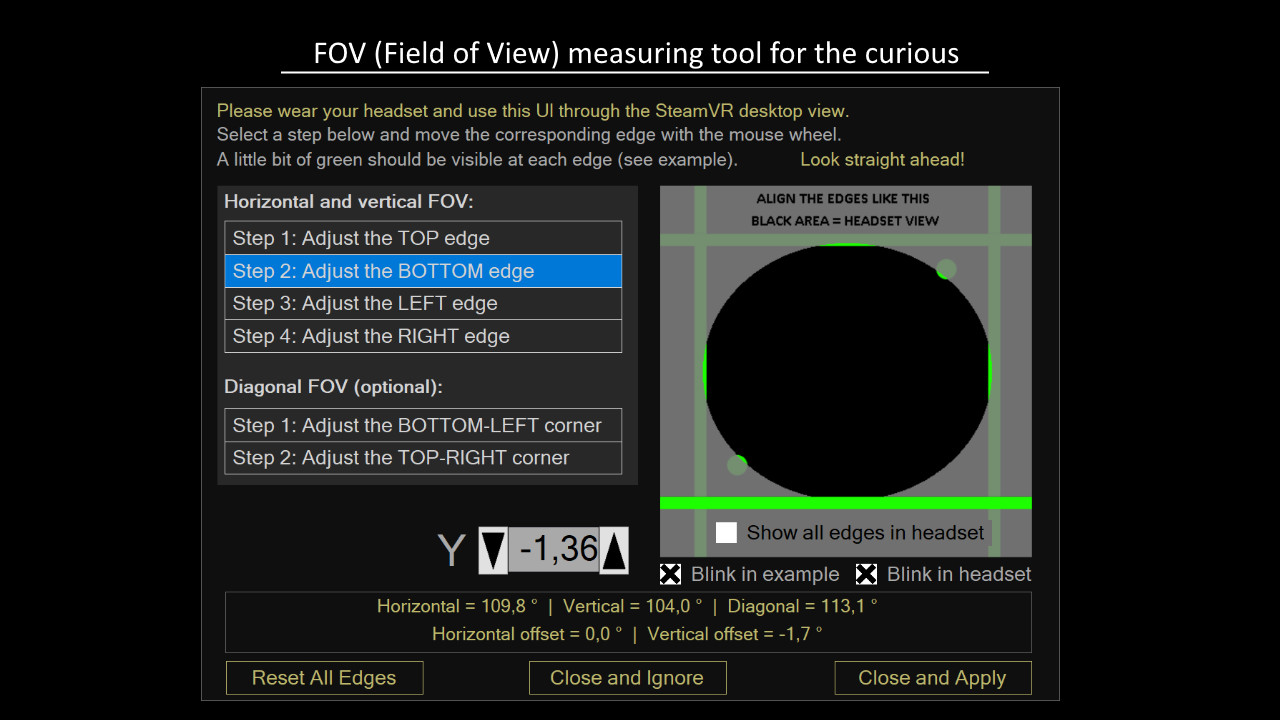
  • Field of view (FOV) measuring tool

Other

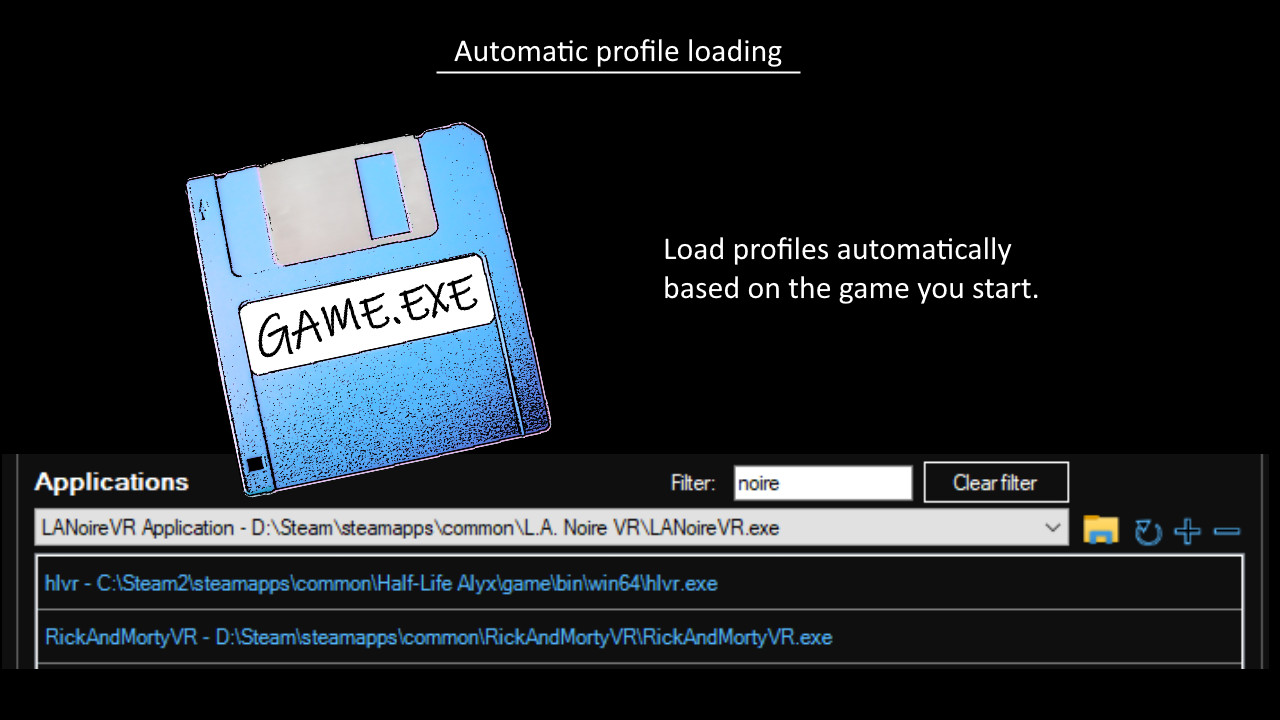
  • Automatic profile loading based on the game you start
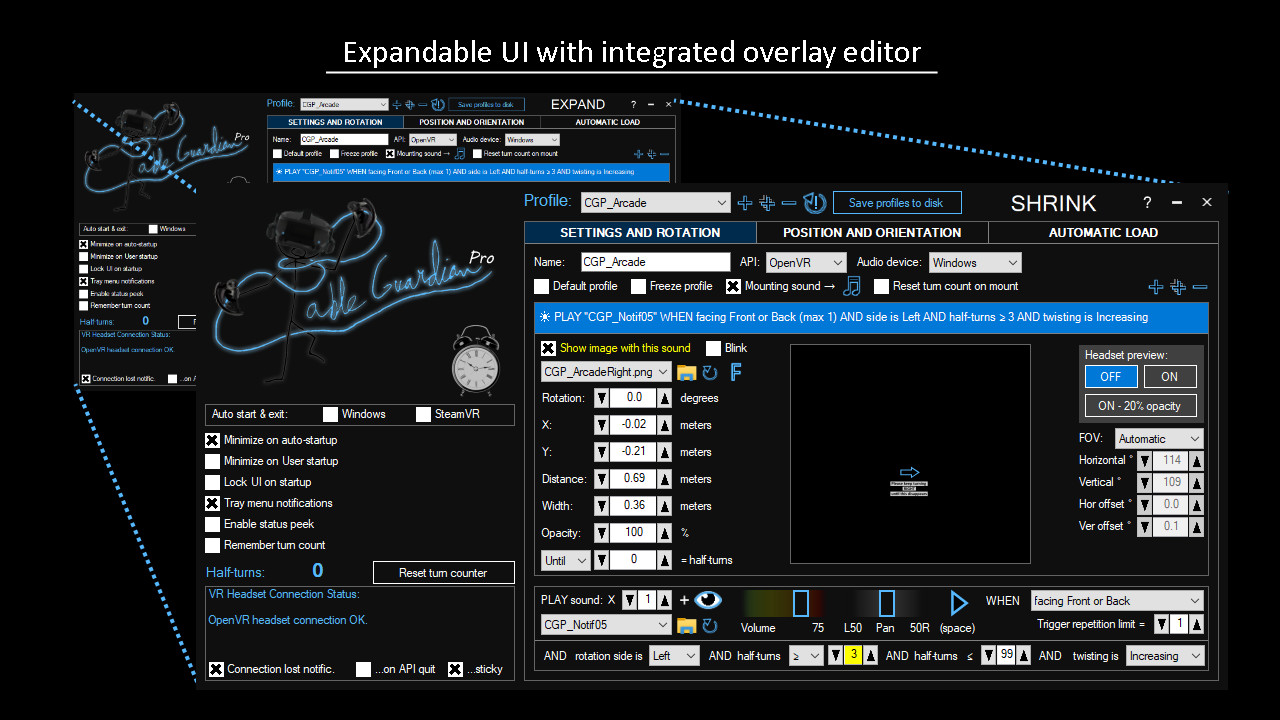
  • Expandable user interface for vastly improved usability in SteamVR desktop mode
  • A much larger selection of included audio clips

*** Oculus users please note:

The overlay features are available only through the OpenVR API. --> SteamVR required ( = no native Oculus support). If a game is using the Oculus API, the visual indicators and floor markers will NOT be visible. This also applies to those games on Steam that have native Oculus support.


Get a free unlimited evaluation version by following the instructions below.
The suggested evaluation period is 30 days. Consider purchasing if you like the app. Thanks!

1/3. Install the free (non-pro) Cable Guardian.

https://store.steampowered.com/app/1208080/Cable_Guardian/

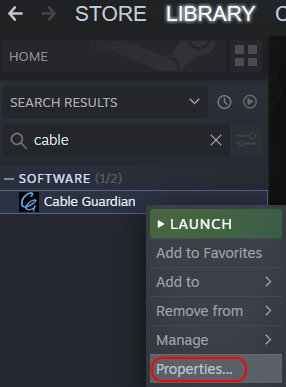
2/3. Open Cable Guardian properties from the right click menu in your Steam library.


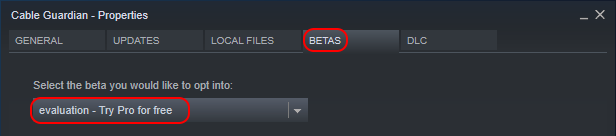
3/3. Go to "BETAS" tab and switch to beta branch "evaluation".

Read more

Cable Guardian Pro

Cable Guardian Pro
Steam reviews
  • 4 user reviews (4)
  • 100%
    0%
Popular Tag
Utilities Indie

Show more